
Your Moment. Not Your Identity.
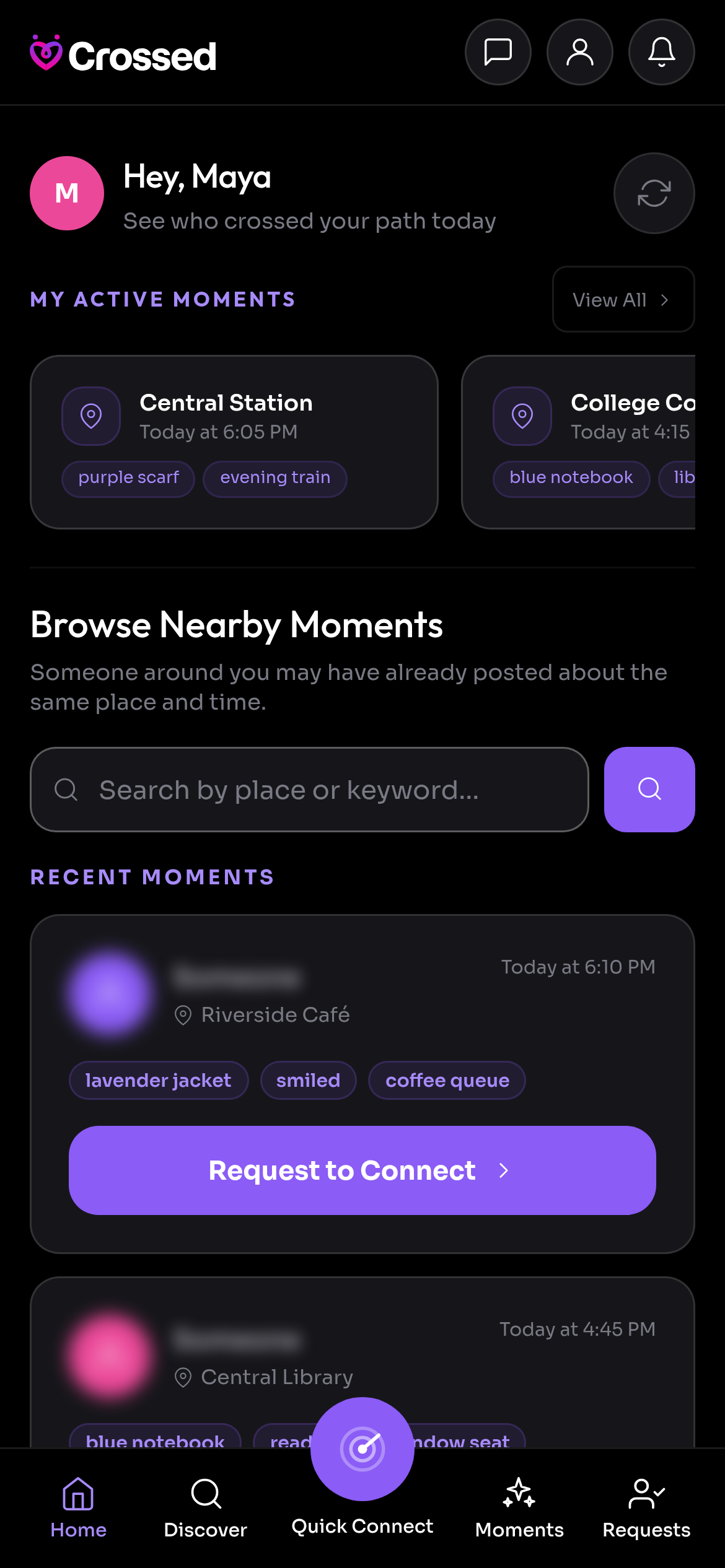
Moments carry no name and no profile photo. The place, time and description you choose to post are visible, so leave out personal details you do not want to share.
Getting to know someone should start with choice. Here is what Crossed shares, what it keeps private and what you control.

Moments carry no name and no profile photo. The place, time and description you choose to post are visible, so leave out personal details you do not want to share.
Quick Connect resolves proximity on the server and returns a distance in metres. Another member never receives your coordinates.
Ask something the person from your encounter would remember. The answer you set is readable only by you. Review their response before accepting; it does not guarantee identity.
Chat opens after mutual agreement. Ignore a request, go offline or stop a conversation whenever you choose.
Messages are encrypted on your device and stored as ciphertext. Keys are backed up in an encrypted vault so you can access chats on a new phone. This does not apply to public Moments, profiles or radar data.
Block someone to stop contact in both directions. Report a member from the chat menu, or report a Moment in the app. Biometric app lock is also available on supported mobile devices.
Keep early conversations in the app, protect your personal information and choose a public place if you decide to meet. Let someone you trust know your plans.
Use the in-app reporting controls if something feels wrong. For questions about your account or a concern you cannot resolve, our support team can help.
Have a concern? support@gocrossed.com
Read Our Community GuidelinesKeep Crossed close for the moments you don’t want to miss. Free to start, on your phone or in your browser.