A Passing Moment.
A Possible Beginning.
Two ways to find a connection. One simple idea: a little hello can go a long way.

For the One
Still on Your Mind.
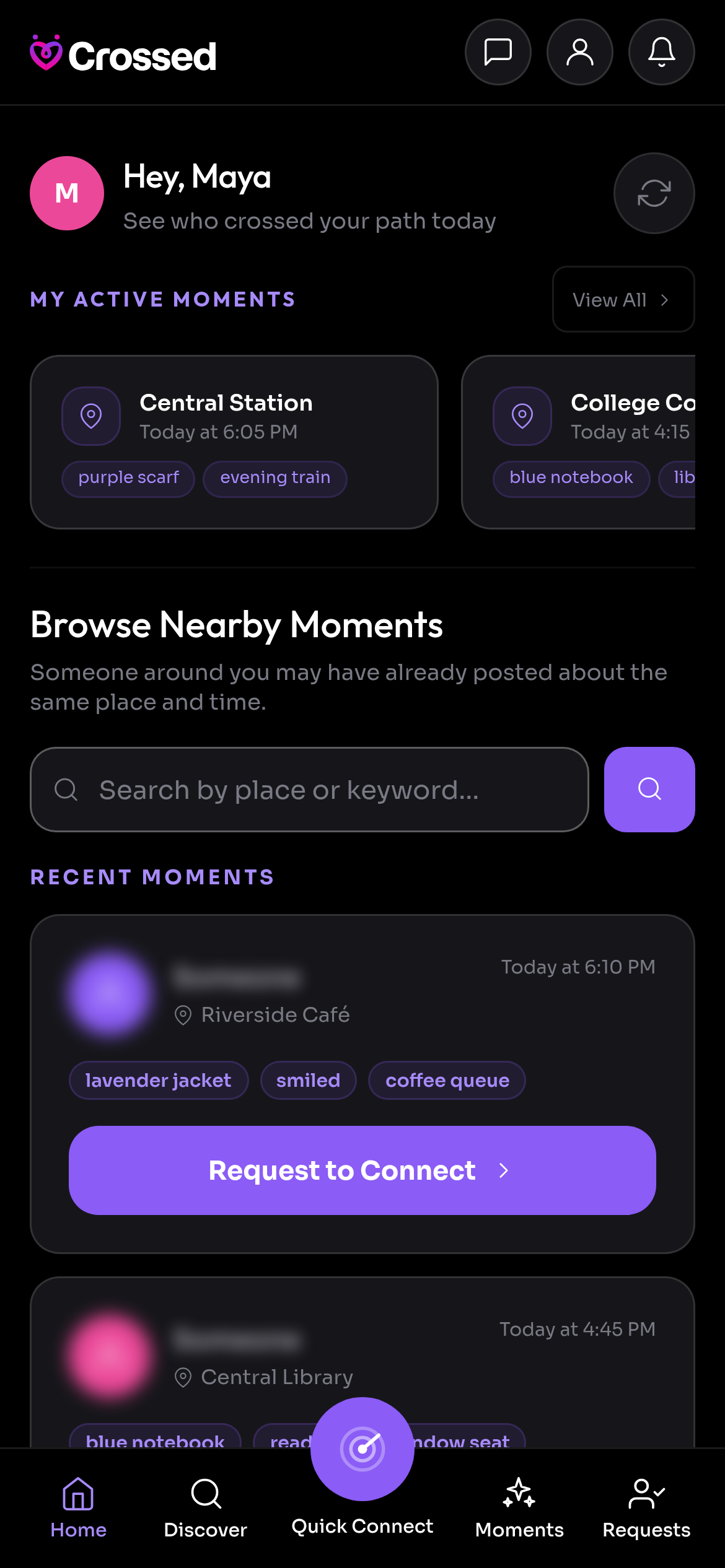
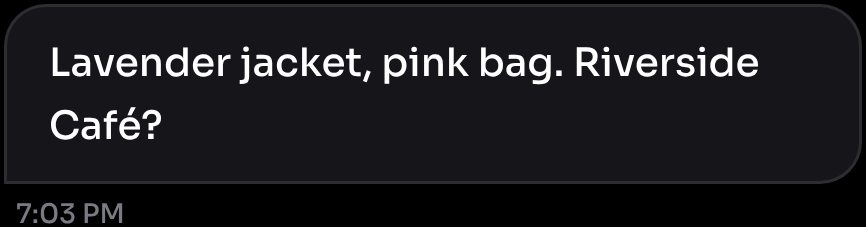
You crossed paths. Something stayed with you. Post where, when and the details you remember, then see if someone posted about the same encounter.
- Set the Scene
Choose the place and time. Add the details that made this moment yours.
- Ask Something Only They Would Know
A verification question helps you recognise the person who was really there.
- Choose Your Next Step
Read their response. Accept a connection when it feels right. You stay in control.

Share Your Moment.
Let It Travel Further.
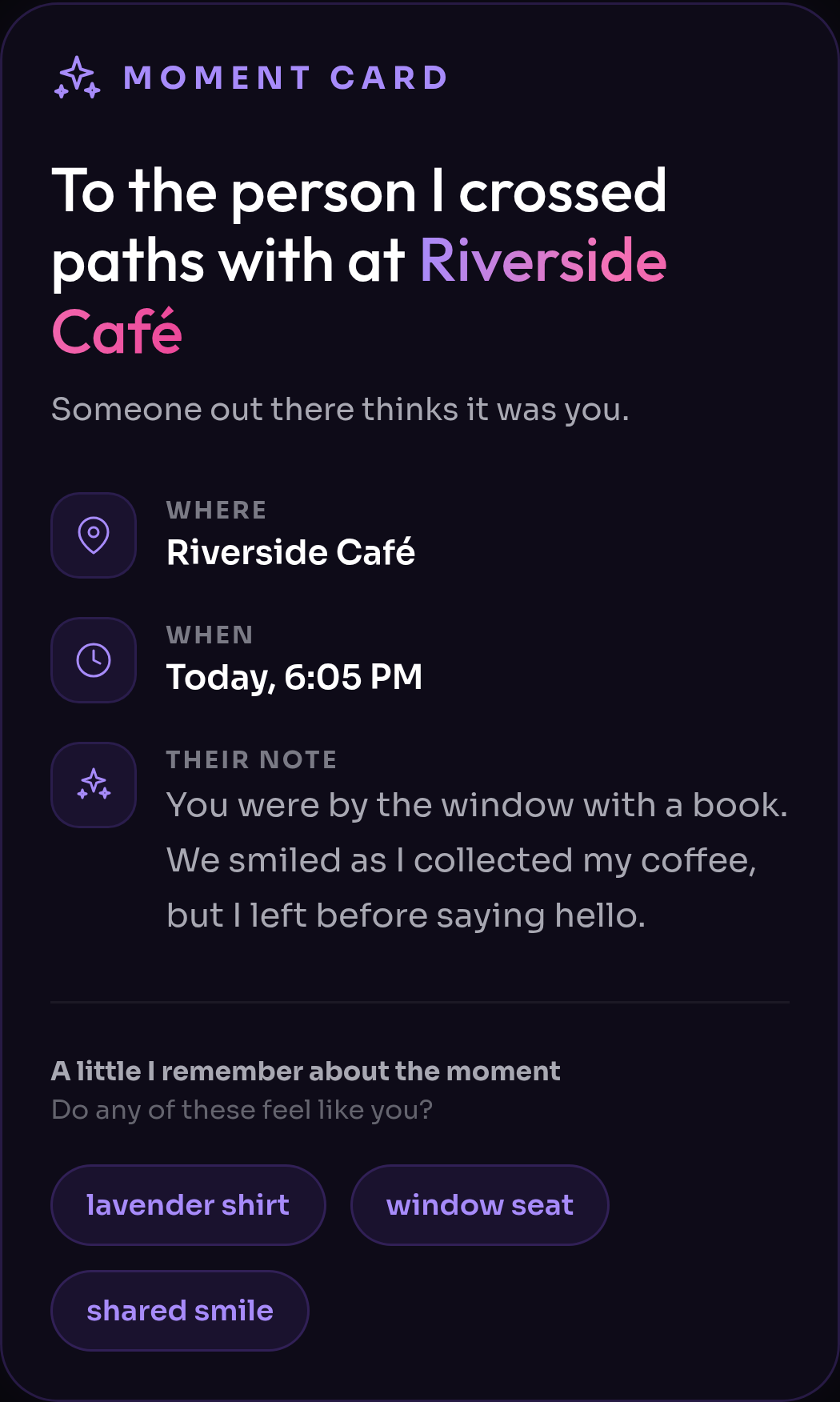
Every Moment you post has its own Moment Card. Share it, and more people can help it reach the person you remember, or someone who knows them.
- Tap Share
Open a Moment you posted and tap Share to get its Moment Card link.
- Pass It On
Send it to friends, post it on social media or copy the link. Anyone can pass it on again.
- They Respond on Crossed
Whoever opens the card sees the place, the time and the details you shared, never your name or photo, and can respond on Crossed.


The Moment Is Now.
Make the First Wave.
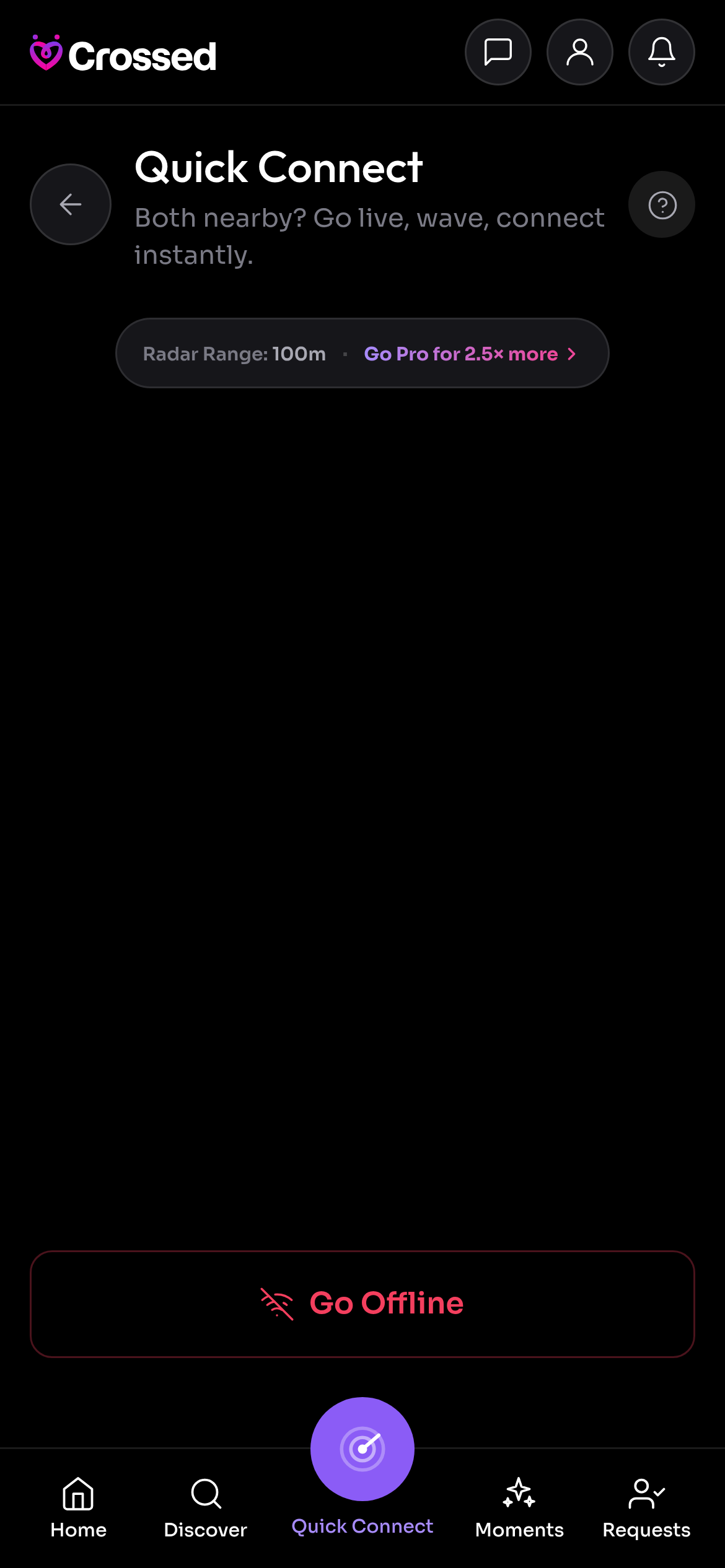
At a café, waiting for a train or out with friends? Go live to see anonymous dots representing others nearby who are online too.
- Go Live
Quick Connect sessions last 10 minutes. Leave whenever you like.
- Send a Wave
Choose a dot and say hello. Your coordinates are never shared.
- See if It Is Mutual
Wave back and both confirm to open a conversation.
Now You Can
Actually Say Hello.
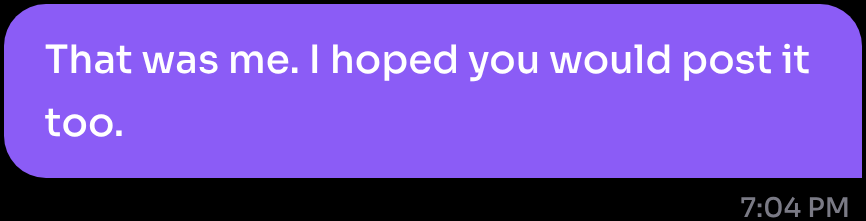
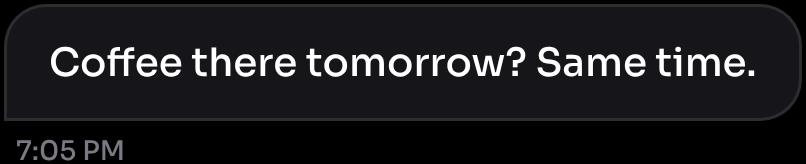
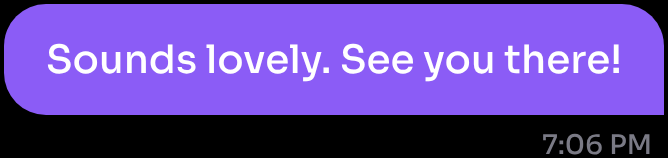
Once you both agree to connect, your conversation opens. Send a message, reply, react and take things at your own pace.
Chats are encrypted. You can mute a conversation, block someone or report a concern inside the app.
Get to Know Your Safety Controls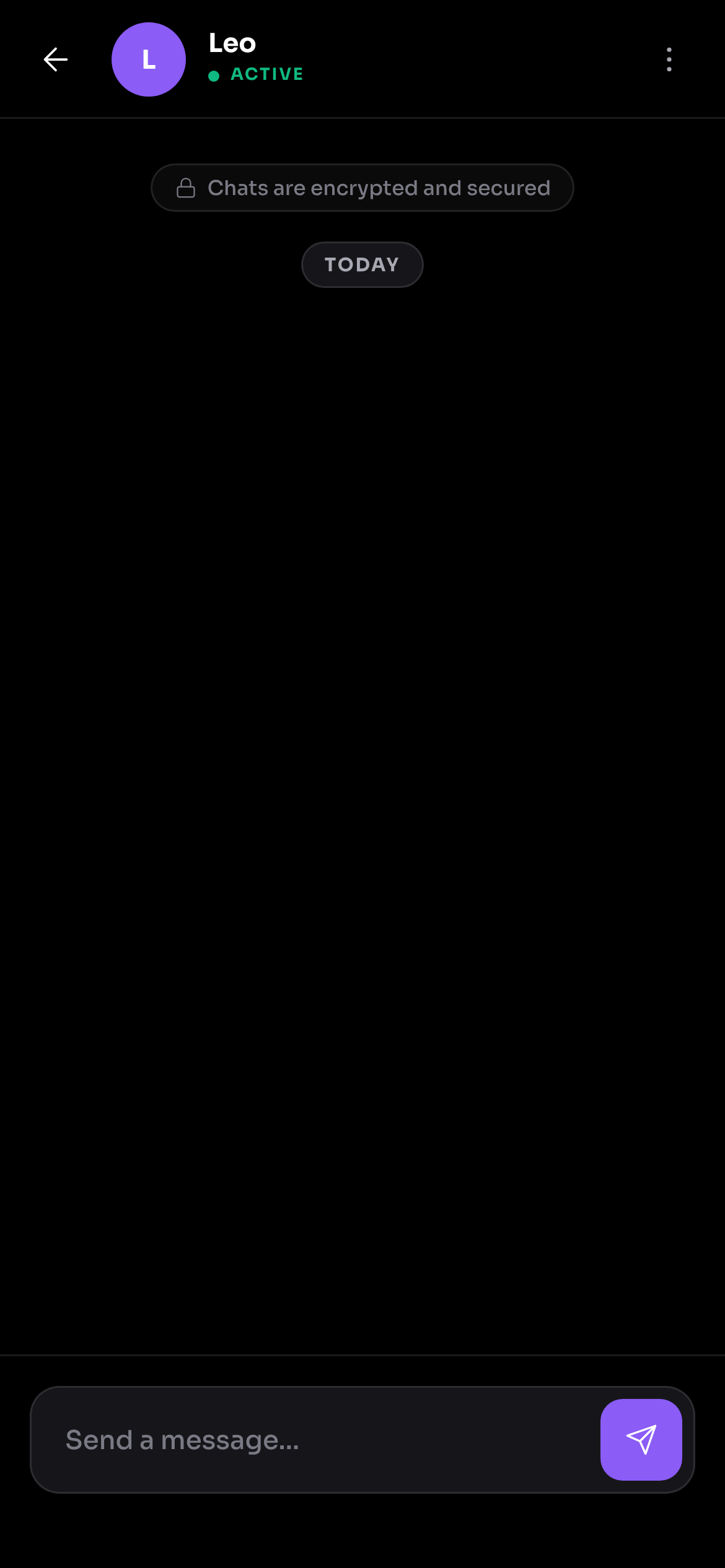
Download the Crossed Mobile App.
Keep Crossed close for the moments you don’t want to miss. Free to start, on your phone or in your browser.